> ## Documentation Index
> Fetch the complete documentation index at: https://java.agentscope.io/llms.txt
> Use this file to discover all available pages before exploring further.
# Managed Agent: create and test
This is preview documentation. The official release is not yet available.
Create an Agent operated by Service and verify it with a small request. An administrator should complete [local](/v2/en/service/quickstart) or [production installation](/v2/en/service/kubernetes), then configure a model and an available Environment.
## Create a notes assistant
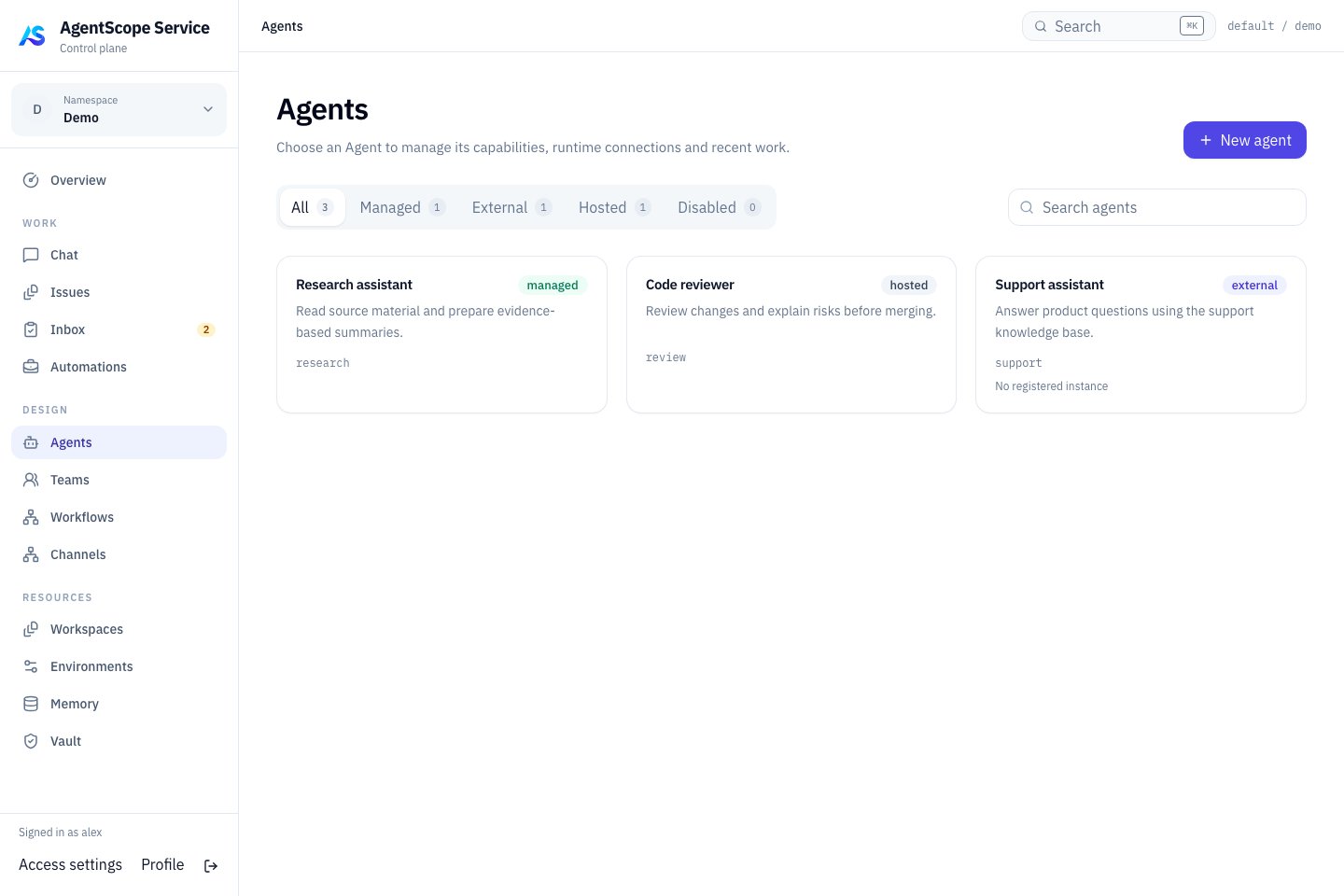
1. Open **DESIGN → Agents → New agent** and name it “Notes assistant”.
2. Explicitly select **AgentScope Managed** as Runtime. Leave Model empty to use the deployment default.
3. Enter the Instructions below and select an available Environment in Advanced settings.
4. Select **Create & open agent**, then inspect the saved responsibilities and runtime configuration.
```text theme={null}
Organize supplied material into tasks, owners, deadlines and open questions.
Use supported facts without inventing dates, sources or conclusions.
```
 ## Verify with Chat
Open **WORK → Chat → New chat** and select the assistant. Send “Alex finishes the installation guide by Friday. Review is Monday; its time is unconfirmed. List the action items.” Check the open question, ask what information is missing, and refresh to verify history.
For a missing model response, inspect deployment credentials. For file or Shell failures, inspect the Environment. Complete a text request before adding tools and knowledge.
## Assign real work
Use a [console Issue](/v2/en/service/issues) for work with acceptance criteria or [publish an Endpoint](/v2/en/service/endpoints) for applications. Verify model, tool or resource changes with a new Chat or task.
See the [Managed Agent reference](/v2/en/service/managed-agent) for parameters, capabilities and execution. Its resource guides cover [Workspace](/v2/en/service/workspaces), [Environment](/v2/en/service/environments), [Memory](/v2/en/service/memory) and [Vault](/v2/en/service/vault) bindings.
After creation, use the [presales case](/v2/en/service/cases/presales-team) to verify knowledge bindings, roles, and file delivery with a complete customer brief and knowledge pack.
## Verify with Chat
Open **WORK → Chat → New chat** and select the assistant. Send “Alex finishes the installation guide by Friday. Review is Monday; its time is unconfirmed. List the action items.” Check the open question, ask what information is missing, and refresh to verify history.
For a missing model response, inspect deployment credentials. For file or Shell failures, inspect the Environment. Complete a text request before adding tools and knowledge.
## Assign real work
Use a [console Issue](/v2/en/service/issues) for work with acceptance criteria or [publish an Endpoint](/v2/en/service/endpoints) for applications. Verify model, tool or resource changes with a new Chat or task.
See the [Managed Agent reference](/v2/en/service/managed-agent) for parameters, capabilities and execution. Its resource guides cover [Workspace](/v2/en/service/workspaces), [Environment](/v2/en/service/environments), [Memory](/v2/en/service/memory) and [Vault](/v2/en/service/vault) bindings.
After creation, use the [presales case](/v2/en/service/cases/presales-team) to verify knowledge bindings, roles, and file delivery with a complete customer brief and knowledge pack.